

About Us Links
Communications Office Contact Info
1738 Helderberg Trail
Berne, NY 12023
Phone: (518) 872-0909
More Info
Resources & Troubleshooting
View Us on Social Media!





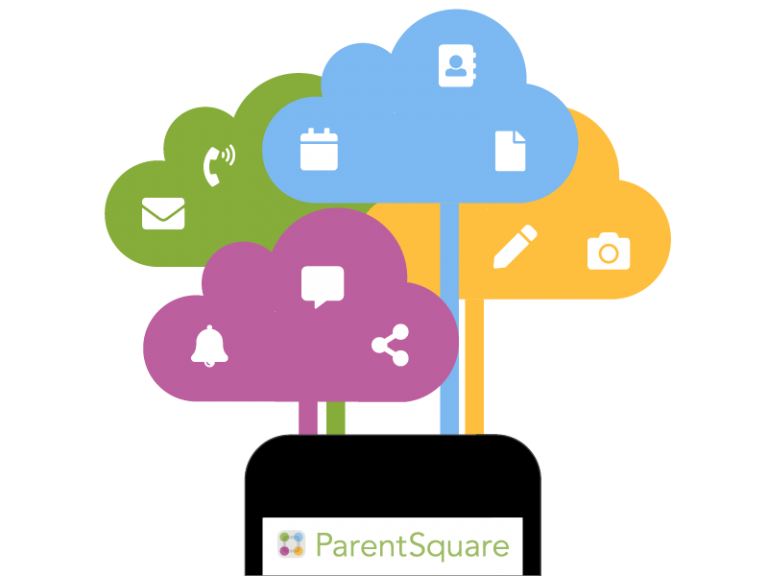
ParentSquare for School Communications
Berne-Knox-Westerlo School District is using ParentSquare for school communication through email, text, and ParentSquare app notifications. ParentSquare automatically generates an account for each parent/guardian, using their preferred email address and phone number as listed in the parent portal. We encourage parents to access their accounts so they can download the mobile app and update their preferences on when and how they are notified. You can use ParentSquare on any device.
ParentSquare for Community Members
Are you a community member who’d like to receive notices, stories, news, etc., through BKW ParentSquare? Supply us with your name and email at the link below, and we’ll get you on our list. It takes less than one minute!
Here’s What You Can Do with ParentSquare:
- Receive messages from the school via email, text, or app notification.
- Choose to receive information as it comes or all at once.
- Communicate in your preferred language.
Receiving Messages, Alerts, and Announcements, and the Digest & Instant Settings
ParentSquare allows users to customize their notifications based on notification type, preferred delivery method, and time of receipt (digest vs. instant) for each school. Notification types include:
- Emergency Alerts & Notices, which include any urgent alerts and attendance notices, cannot be disabled.
- School Alerts, which include any Smart Alerts and other student notices.
- General Announcements & Messages, which include any posts, direct messages, and reminders.
ParentSquare users select whether they want to receive alerts, general announcements, and messages via text and app notifications, as well as instant or digest email. They also decide whether they want to receive messages instantly or as a daily digest. If digest is chosen, they receive an email and/or text and/or an app notification in the evening with all posts from that day (rather than receiving them when they are sent).
ParentSquare Tips for Parents & Guardians
Getting Started:
- Activate your account
- Click the link in your activation email/text, or sign up on parentsquare.com or via the ParentSquare app.
- Download the app; it’s easy to stay in the loop with the ParentSquare app
- Set your preferences
- Click your name in the top right to set your notification and language
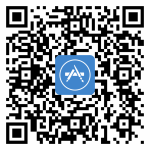 (QR Code for iOS Devices)
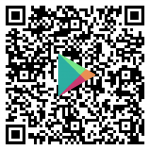 (QR Code for Android Devices)
Useful Features:
- Appreciate posts
- Click ‘Appreciate’ in your email/app or website to thank a teacher or staff member for a post.
- Comment or reply
- Click ‘Comment’ in app or website to privately ask a question about the post to your teacher or school.
- Participate
- Click ‘Sign Ups & RSVPs’ in the sidebar to see available opportunities. Click the bell on top.
- Get photos & files
- Click ‘Photos & Files’ in the sidebar to access pictures, forms, and documents that have been shared with you.
- Join a group
- Click ‘Groups’ in the sidebar to join a group or committee at your school to participate or to stay
- Find people
- Click ‘Directory’ in the sidebar to find contact information for school staff.
- Get in touch
- Click ‘Messages’ in the sidebar to privately get in touch with staff.